
Concerto for iPhone
One tap for the whole concert.
Tap start when the band comes on and put your phone away. Concerto finds every song, so you do not need to Shazam each one. To see what is playing, look at your Lock Screen.
Free on the App Store, for iPhone.

On your Lock Screen
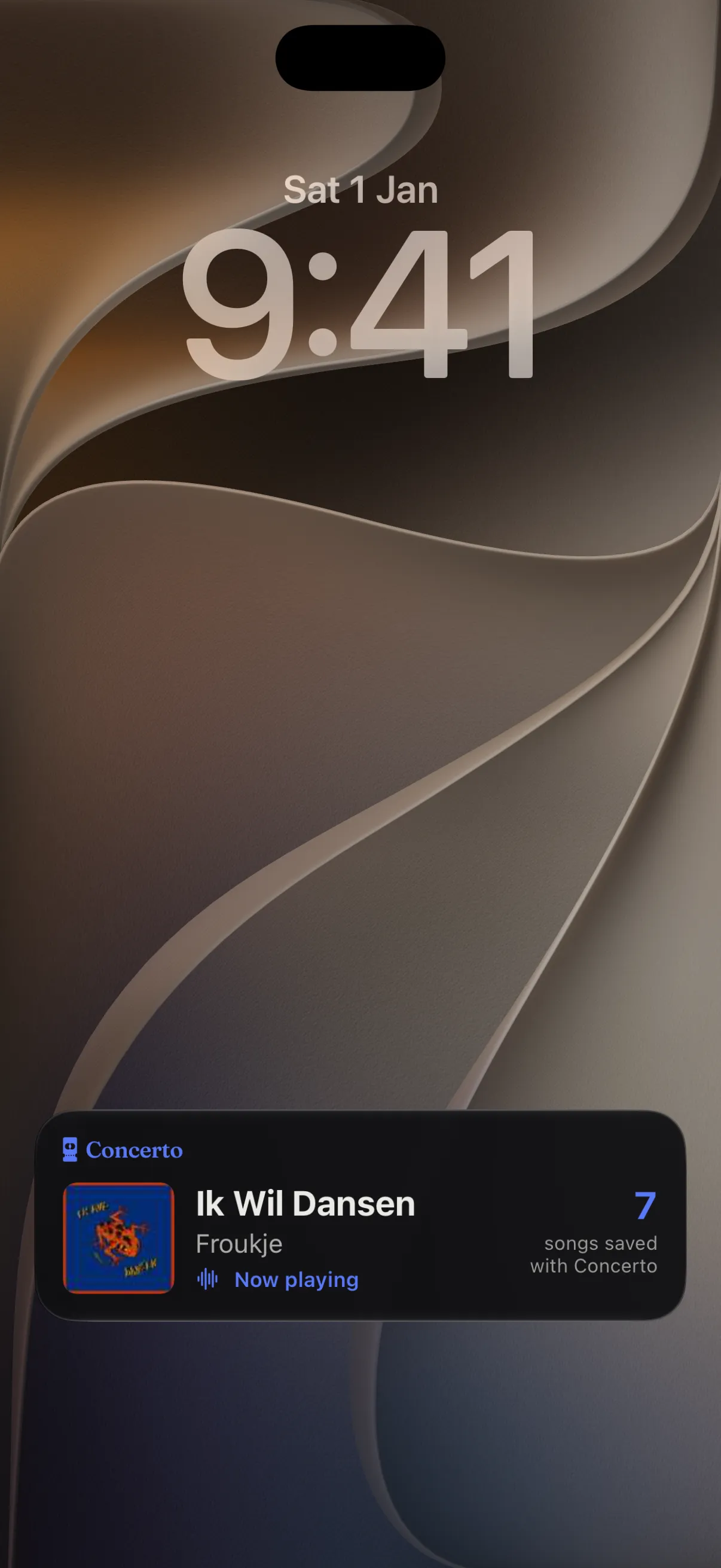
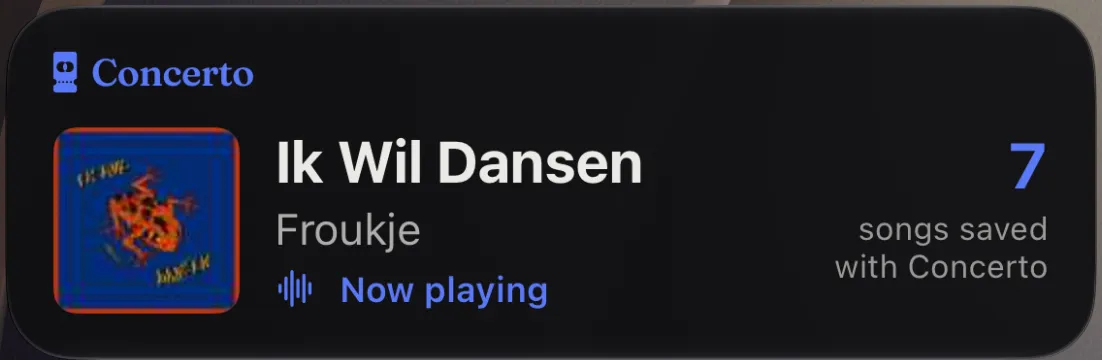
See what is playing, right on your Lock Screen.
Take your phone out between two songs and the answer is already there: the song, the artist and the cover. You do not unlock the phone, open the app or hold it up to scan. Look, and put it back in your pocket.
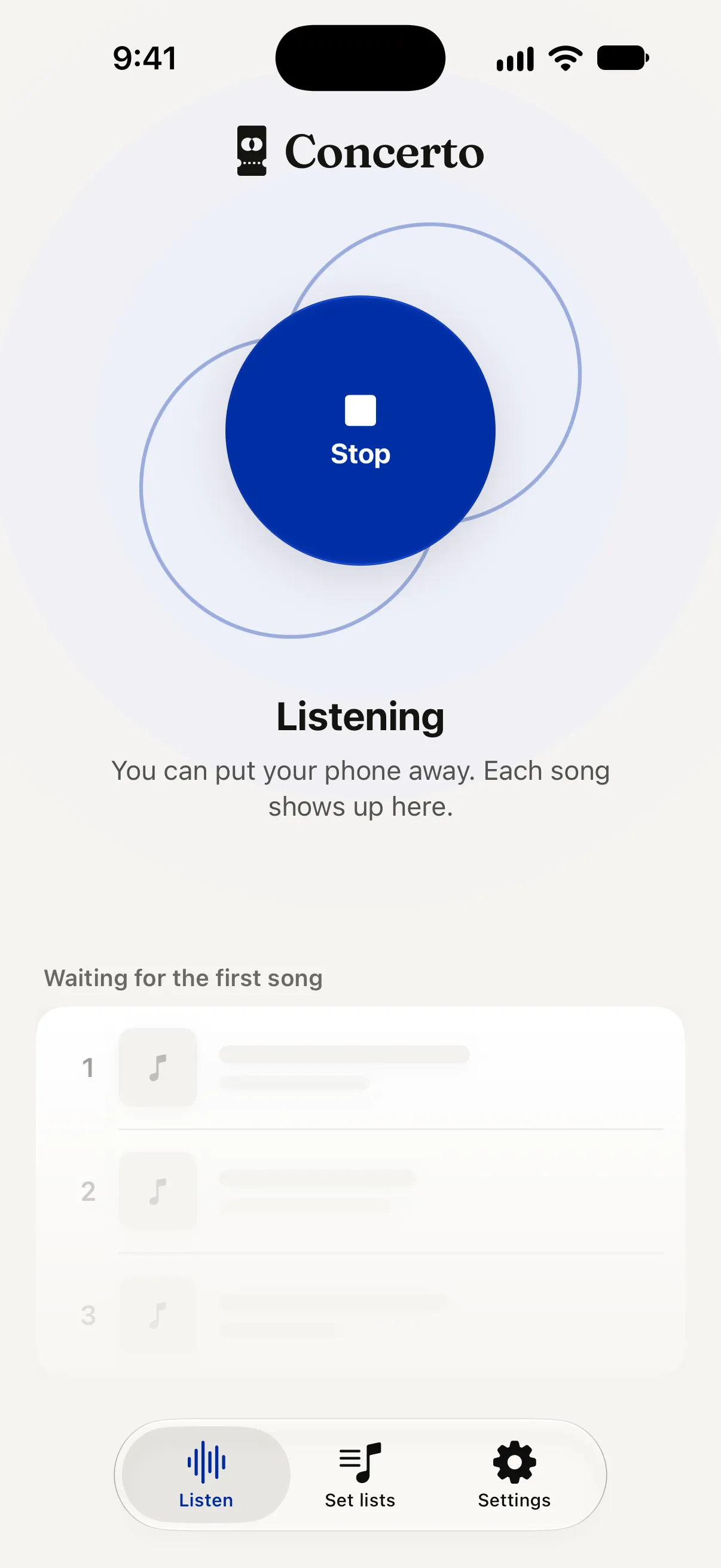
Put your phone away
Concerto keeps listening, also with the screen locked. Every song is saved the moment it is found, so nothing is lost if the battery runs out.
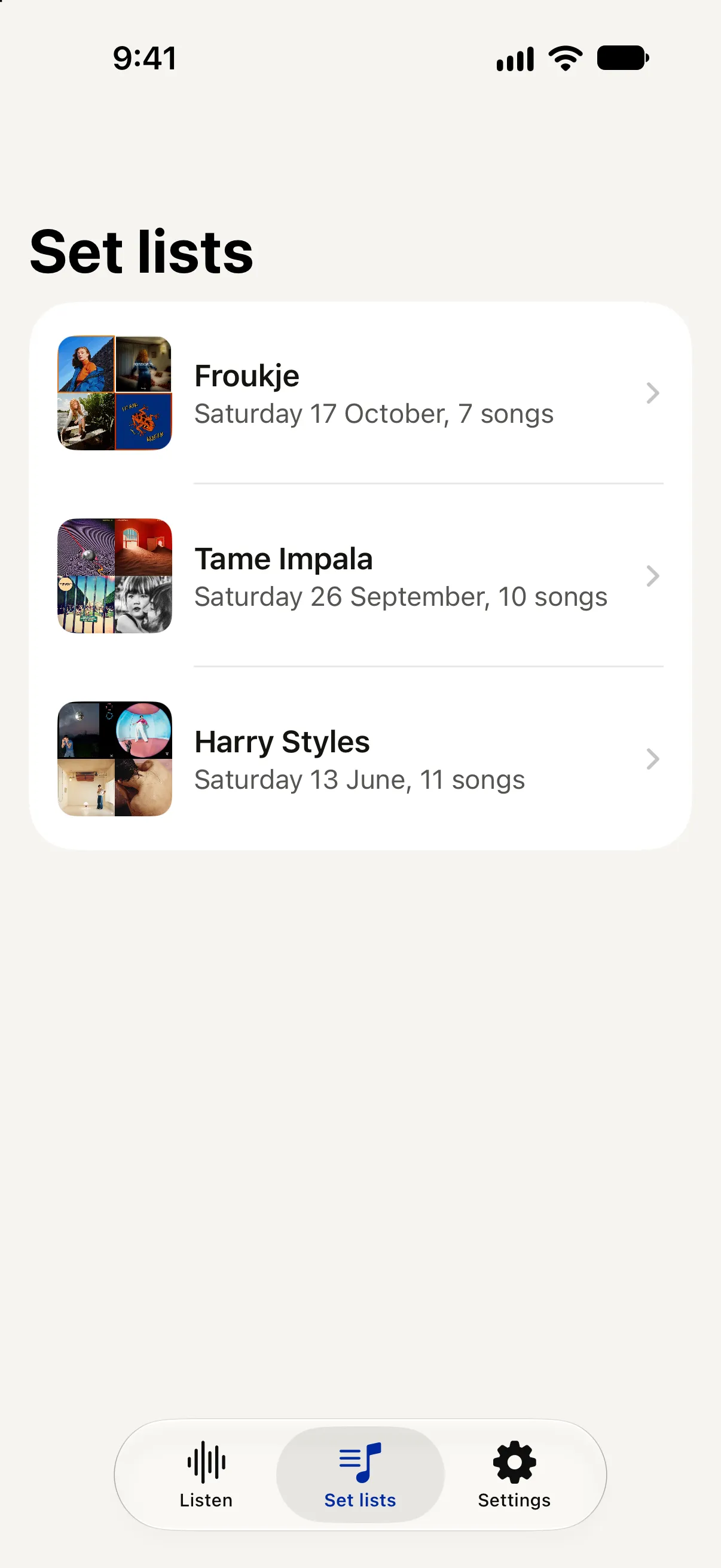
Your set list builds itself
Every song, in the order it was played, with its cover. Every concert is kept, so next year you still know what they opened with.
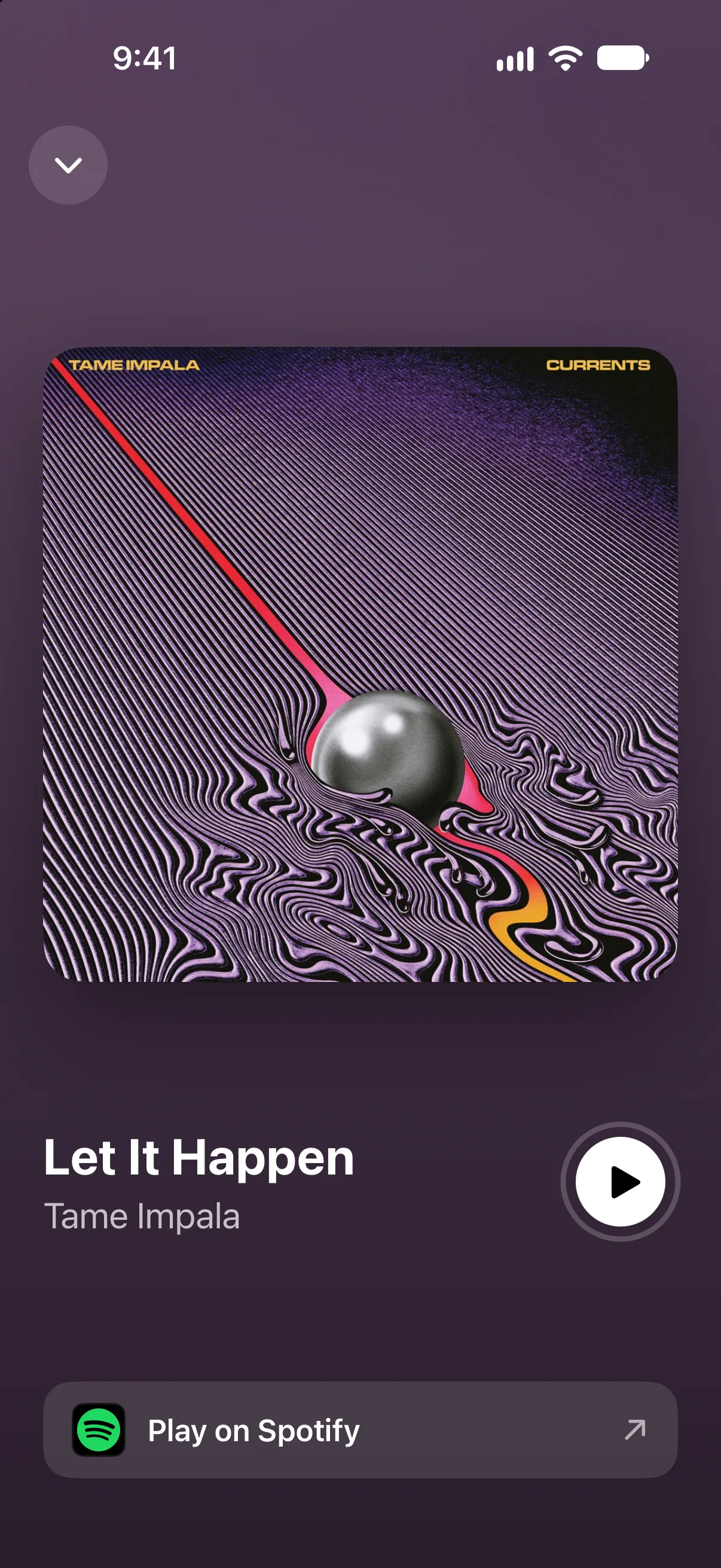
Open each song in Apple Music or Spotify
See the cover large and play a short preview. One tap opens the song in Apple Music or Spotify, so the song from last night is in your library the next morning.
One tap for the whole concert.
Free on the App Store, for iPhone.
Questions? Read the support page, or write to hello@oopsstudio.nl. We answer our own email.